Remove Yellow Fill from Parcel Search Workflow

I have a workflow that allows a user to search for a parcel by APN. The workflow was passed down to me so I am not completely familiar with how it works. Right now, when a user searches for a parcel, the parcel is outlined AND highlighted in yellow. Is there way to edit the workflow to ONLY outline the parcel in yellow, and not highlight it? I believe this can be edited somewhere in the TryDisplayResults activity but I dont know where.
https://drive.google.com/file/d/0B9MJ7nq1HIUCcDRySnhTWDV6clk/view?usp=sharing
0
-
Hi Lisa,
You can fix this at the level of viewer, attached a screen shoot: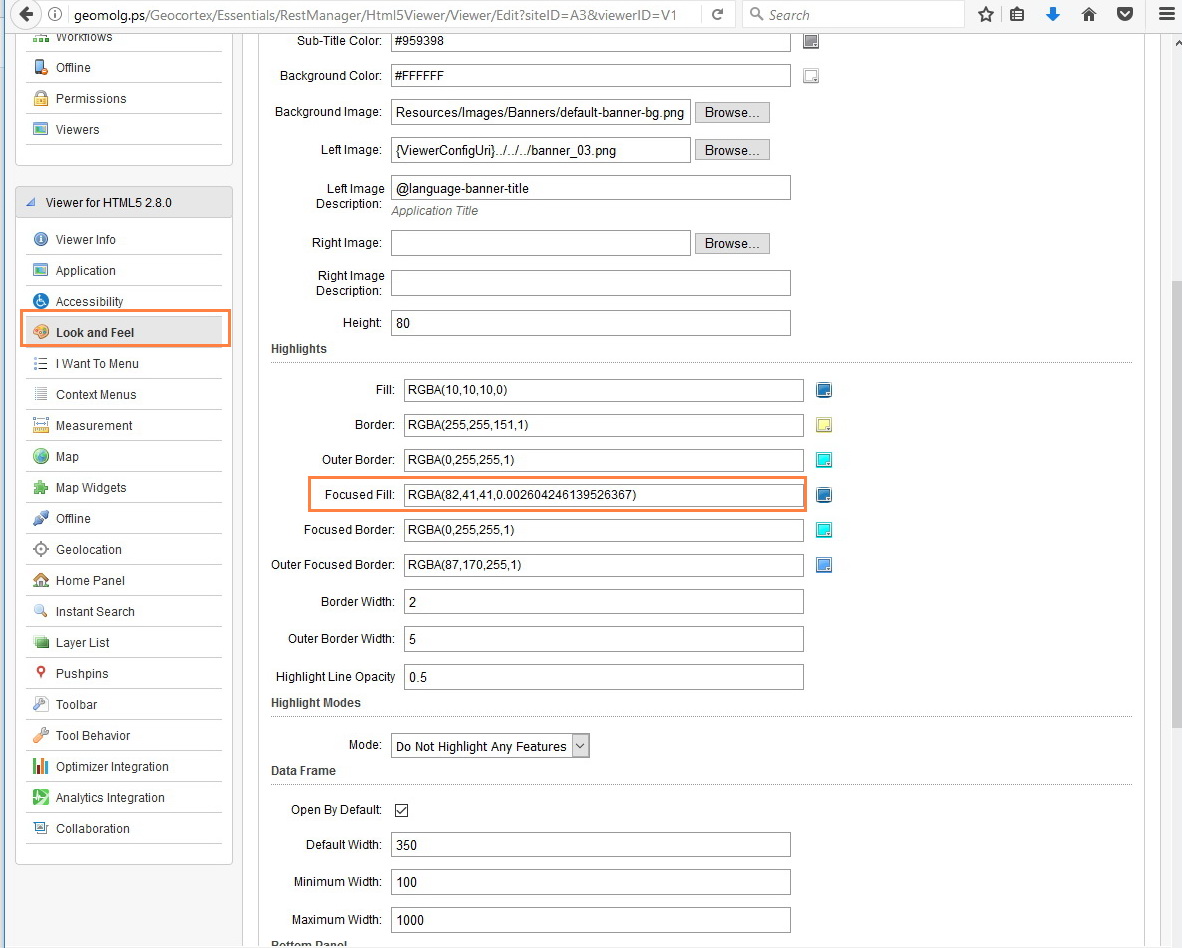
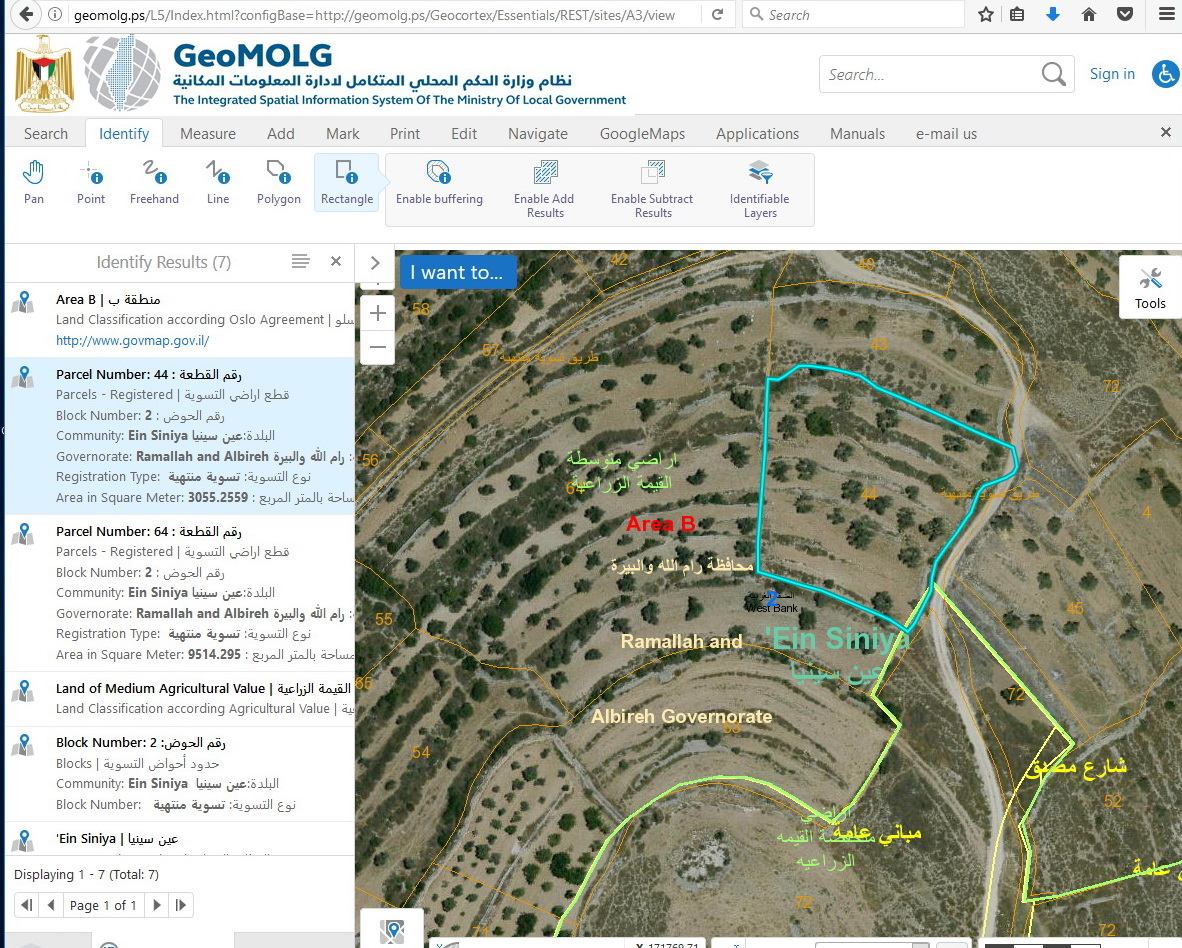
we implmented this and it works fine.
Hope this iwll help you.
Best,
Majdoleen0 -
Thank you for the suggestion Majdoleen, unfortunately that didn't work for us. I believe the fill is coming from the workflow. 0 -
I am very sorry to hear that, but my suggestion works fine with us.
Best,
Majdoleen0 -

Yes it can be done.
I took a very brief persual of your workflow and it seems that the map viewer markup is coming from the selection, correct? If you have a dev instance to test on, you can test this by sticking an empty alert activity in front of the SelectFeatures activity and another directly after to easily isolate the behavior.
The fill command may be coming from the workflow but the settings for the fill are in teh viewer configuration, including whether or not to even highlight results in the first place. Isolate the workflow activity which is doing the highlighting. If it is indeed the selection that's causing the behavior, then modifying the results list highlight mode on the page that Majdoleen talked about should solve the issue if modifying the fill value does not. Remeber to refresh your app after saving changes to the viewer since your browser will have to reload the configuration for it to take effect.
I would also see what happens if you turn off the "show pushpins" parameter of the selectFeatures activity, since that may be what's going on for you but I've never used that before so I don't know much about it.0
Bitte melden Sie sich an, um einen Kommentar zu hinterlassen.
Kommentare
4 Kommentare