Pictometry 3rdPartyMap tool not exporting

Can anyone get an image to export using the Pictometry 3rd party mapping tool?
A popup showing the image generation progress, but it never completes and I am never prompted to download anything.
Is this export tool not compatible with GVH implementation?
0
-
Just to follow up, using the developer tools, I can see that it is working and getting the response URL with the path to the generated jpg. I can even plug that URL in the browser and it initiates the download of the file. It just won't do it on it's own and I am not sure why...
Tried on Chrome, Firefox, and IE.0 -

Hi Dan,
Just gave this a quick try in one of our demo sites and had no trouble exporting an image from Pictometry (as a PDF).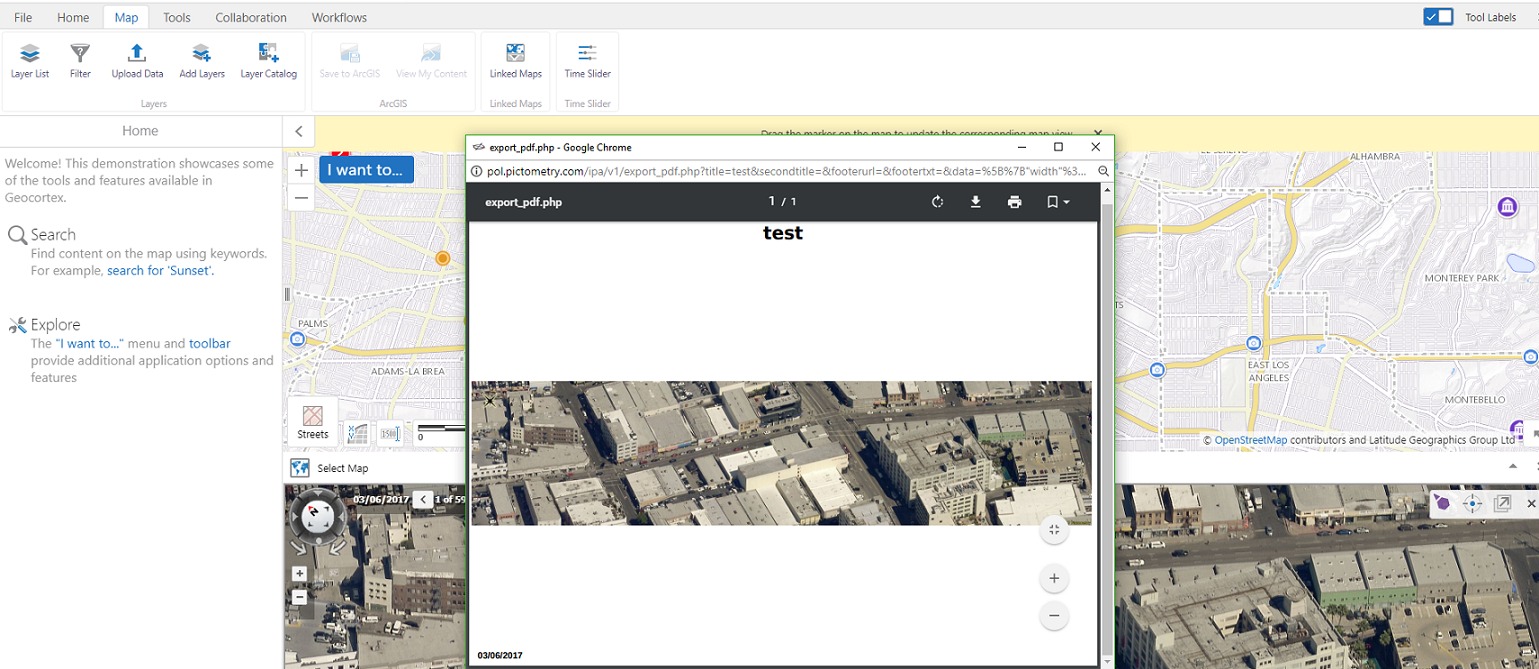 0
0 -

Hi Dan,
This sounds like GVH-13442, please make sure you are using GVH 2.10 or GVH 2.10.1.
Regards,
Wayne Richard
Latitude Geographics Group Ltd.
Head Office: 300 – 1117 Wharf Street Victoria, BC Canada V8W 1T7
Tel: (250) 381-8130 | Fax: (250) 381-8132 | wrichard@latitudegeo.com
Developers of Geocortex web-based mapping software | www.geocortex.com
An Esri Platinum Business Partner0 -
@Cam, thanks for testing. The export to PDF is working fine. It's the export image that is not working.
@Wayne, thanks for the reply. We're not on GVH 2.10 yet, but should be soon.0 -
Dan,
- Open up Pictometry.aspx in your under Html5Viewer>Resources>3rdPartyMaps
- Search for "function initializeMap()"
- Look within the function to find "ipa.setPreferences"
- You should see this:ipa.setPreferences({ enableSynchronization: true });- Add "imageDownload: true" below "enableSynchronization: true" and be sure to add a comma after the first line so it looks like this:
ipa.setPreferences({
                    enableSynchronization: true,
                    imageDownload: true
                });
0 -
Thanks, Jared!
This fixed the issue.0
Bitte melden Sie sich an, um einen Kommentar zu hinterlassen.
Kommentare
6 Kommentare