Geocortex 4.11 fails to add a secured ArcGIS server connection

"Geocortex 4.11 fails to add a secured ArcGIS server connection"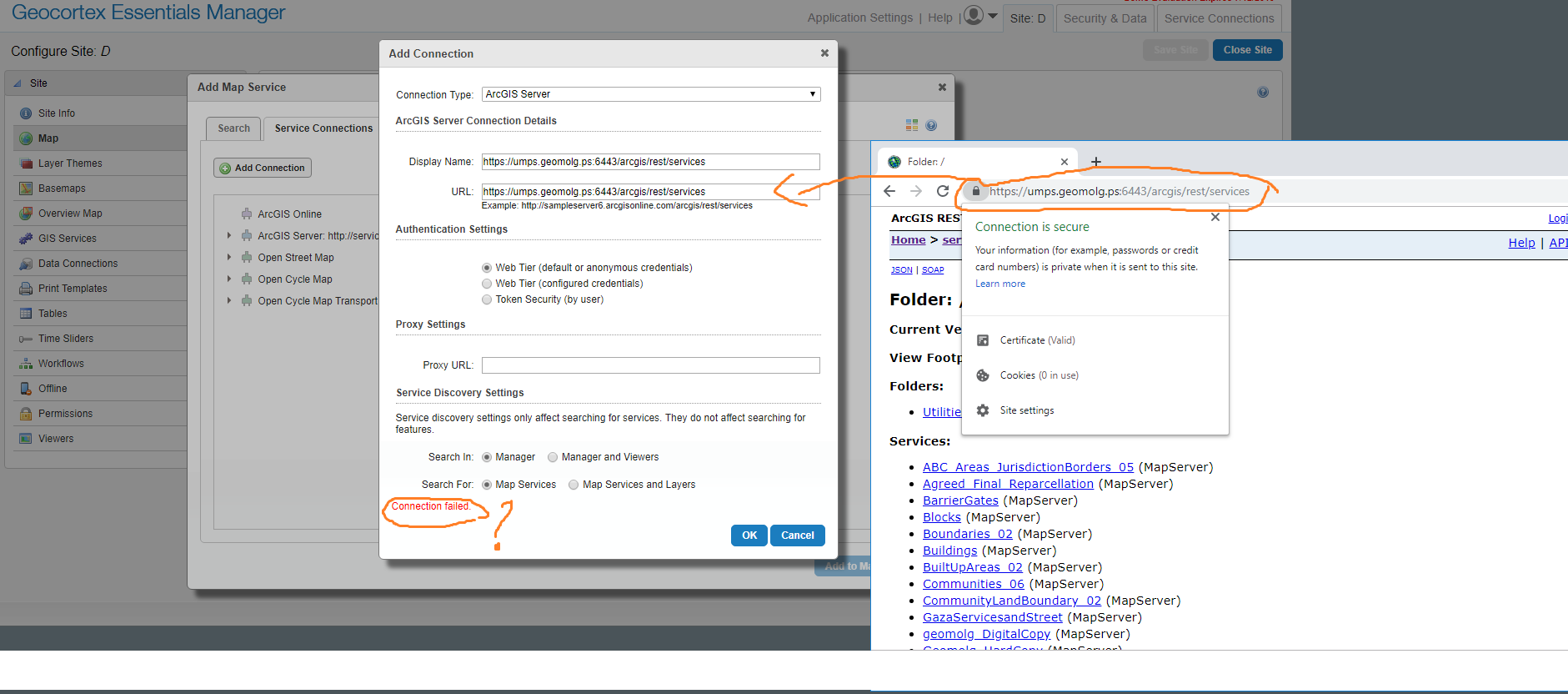
Geocortex 4.11 fails to add a secured ArcGIS server connection despite the fact it opens well through internet browsers.
The link: https://umps.geomolg.ps:6443/arcgis/rest/services
What could be the issue here?
Best,
Alaa
0
-
Hi Alaa,
Have a look at this article -
https://support.geocortex.com/optimizerGSCkba?id=kA360000000L14bCAC
Adding the registry keys to your Essentials server should resolve it. A browser will automatically use TLS 1.2 but a dotnet application needs to be forced into using TLS 1.2
Regards,
Wayne Richard
Latitude Geographics Group Ltd.
Head Office: 300 – 1117 Wharf Street Victoria, BC Canada V8W 1T7
Tel: (250) 381-8130 | Fax: (250) 381-8132 | wrichard@latitudegeo.com
Developers of Geocortex web-based mapping software | www.geocortex.com
An Esri Platinum Business Partner0 -
Manty thanks for the help Wayne. It works for us like a charm 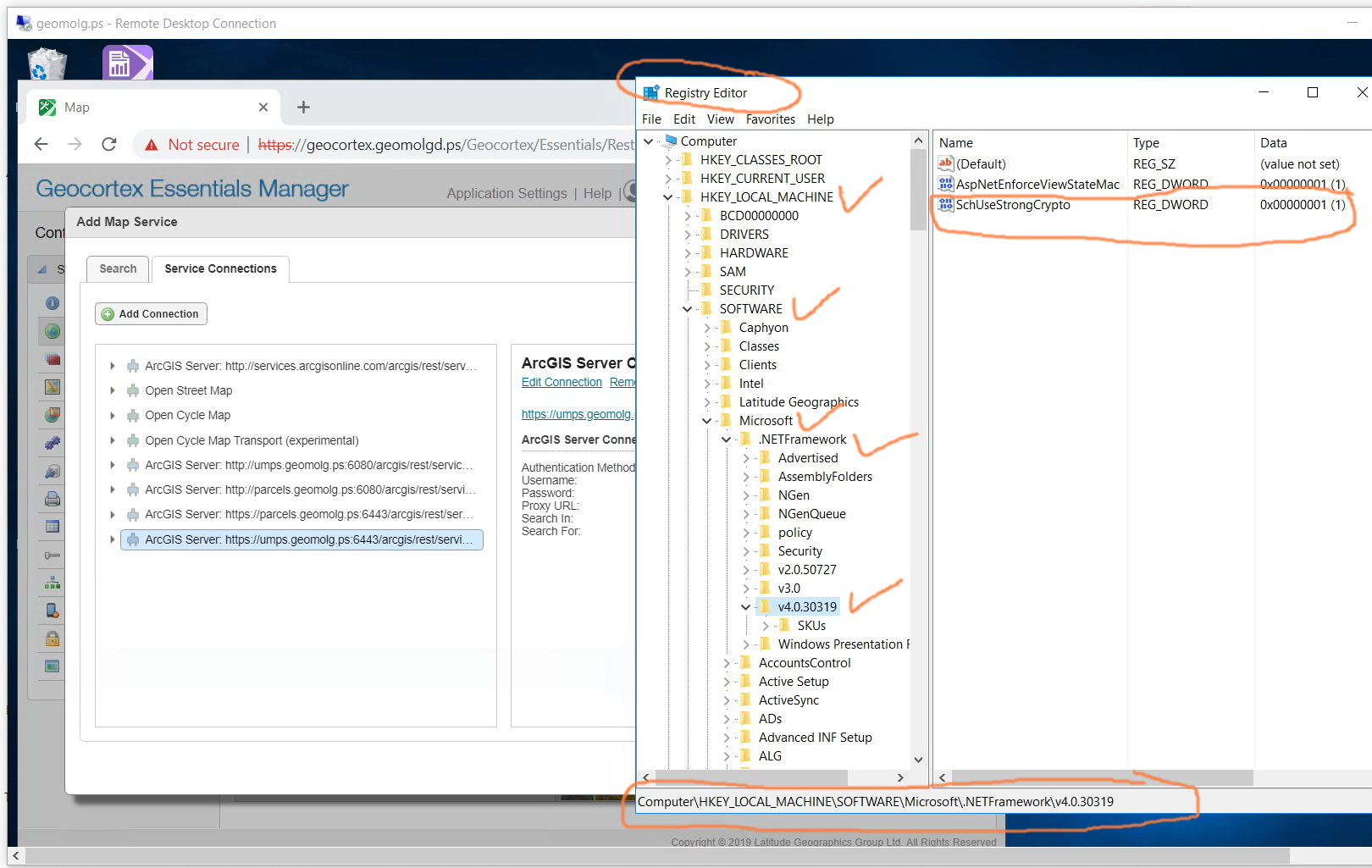
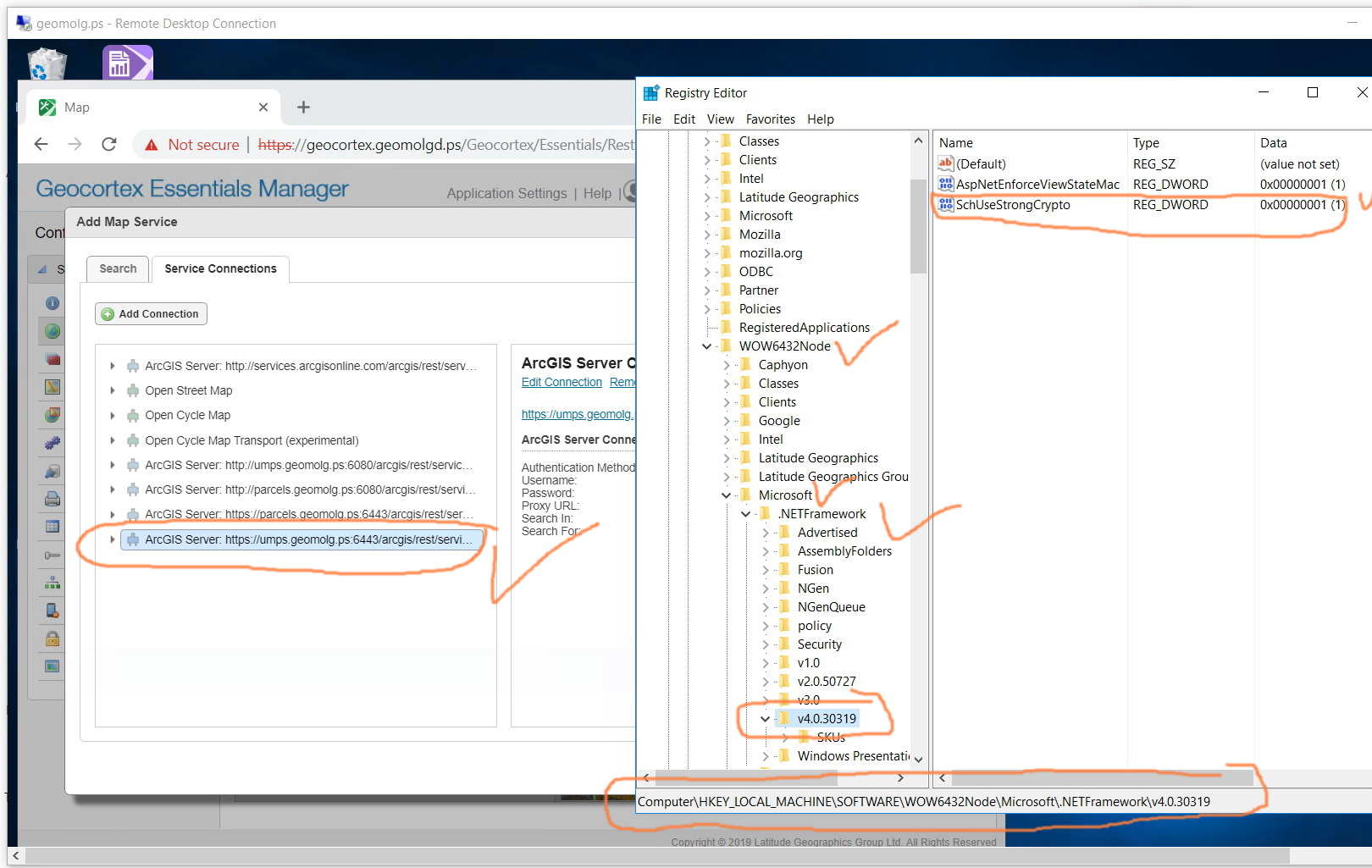 0
0 -
Thanks alot Wayne for your answer.
Actually, this worked with us for few hours only & it again fails to connect to Arcgis server although the registry keys are added & the dot net framework version is 4.7!
What could be the issue here?0 -
I tried it on a fresh machine from scratch and it worked for me despite the fact that the .NET Framework version is still 4.0.
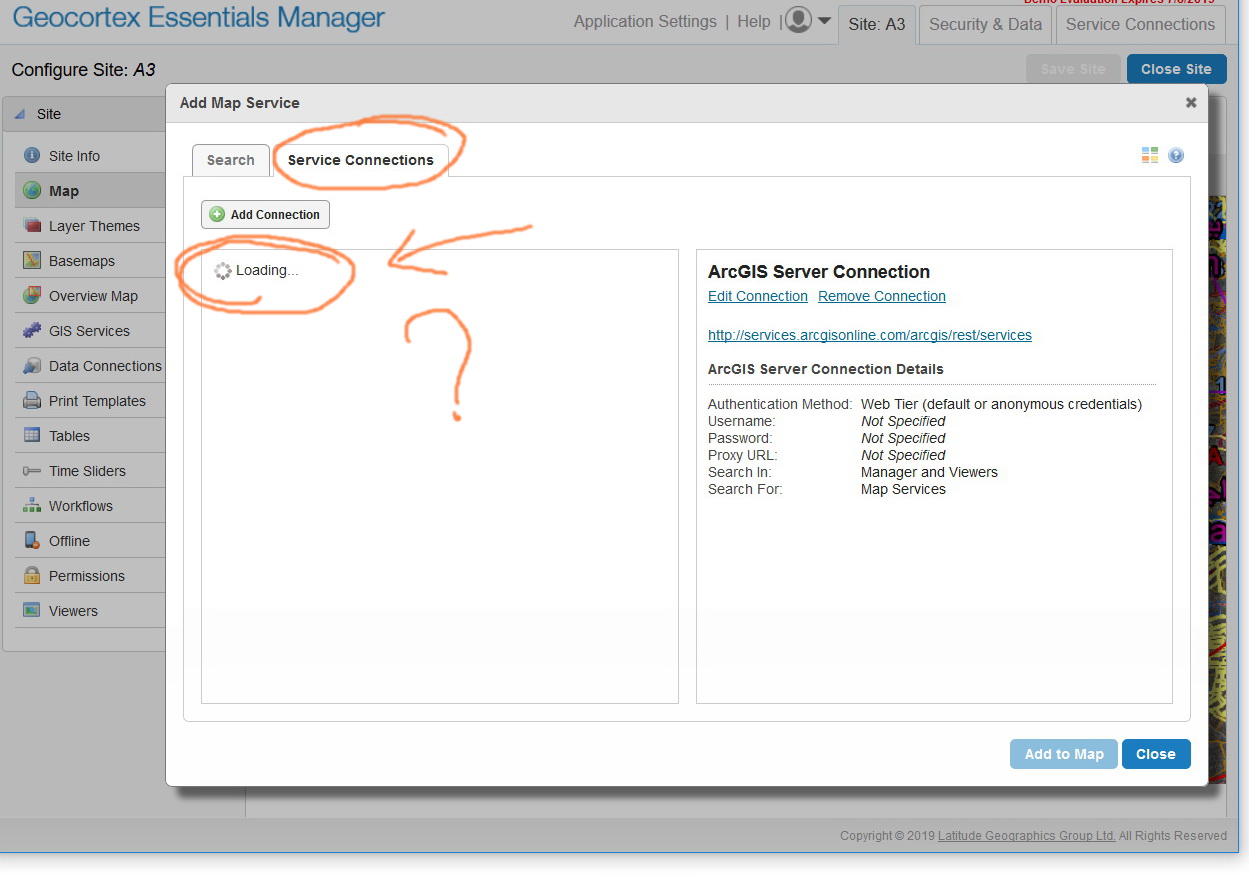
As I tried to access the Geocortex manager in the production machine, and found out the it keeps loading in the service connection dialogue box. I’m not sure what is referring too.
Could you please Wayne help in which cases the service connection fails?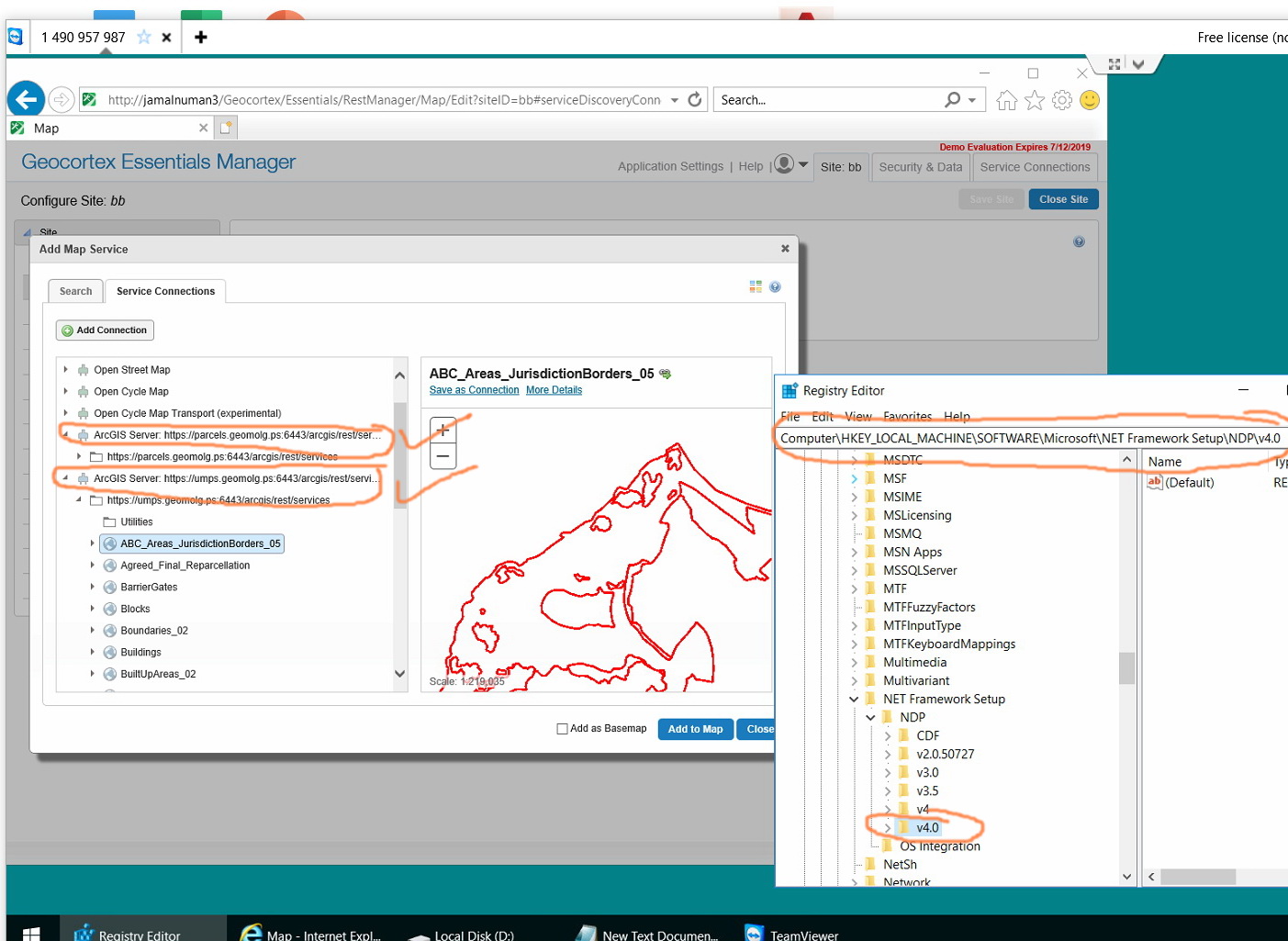
 0
0 -
Oh…my bad. The .NET Framework version in the test machine is 4.7 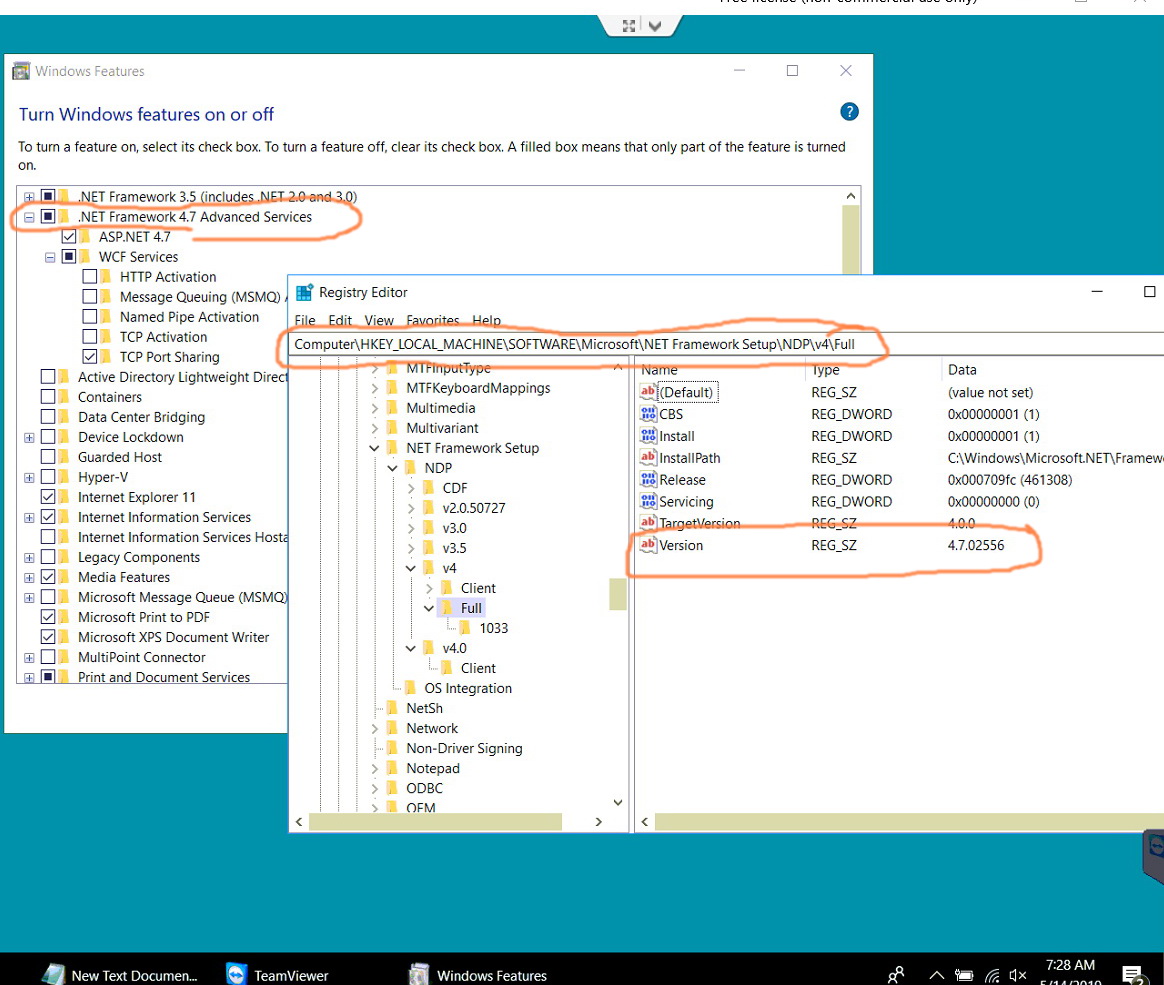 0
0 -
Hi all,
To confirm, it appears that if we use the Esri arcgis adaptor the issue will be solved without the need to registry keys.
Best,
Alaa0 -
are you aware of this, Wayne? 0 -
Hi All,
I tried the two options and non of them worked for me:
1. Adding the registry keys to my Essentials server didn't resolve it.
2. using the Web adaptor didn't solve my issue, too.
But I found out that the problem is only appear in my production environment, I used the arcgis server's link on a test machine and it worked fine, only the geocortex machine on the production server couldn't consume my Arcgis link!! taking into consideration that both server on the same domain.
What might be the issue here?0 -
are you there Wayne? 0
Bitte melden Sie sich an, um einen Kommentar zu hinterlassen.
Kommentare
9 Kommentare