How to force Display form to open at the top of the form instead of at the bottom...?

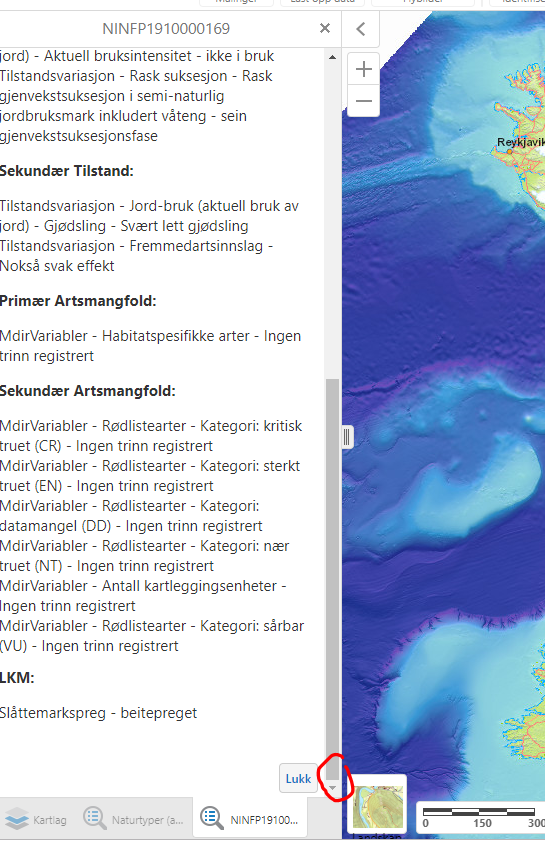
I am building a Display form that dynamically adds information based on different features selected in the map. The information is usually extensive, so the user has to scroll down to see all the information.
However, every time I run the workflow that creates the form, the form opens up at the bottom instead of at the top…
Is there a way to force it to open at the top?
-
Update on this:
When a form loads, the first element on the form that can be interacted with becomes "focused" in your browser. This is probably based on an accessibility requirement so that you can interact with the form elements easily by keyboard (eg, using the tab key).
When loading many text elements and one footer with buttons, then the buttons are the first element that can be interacted with, so the first button becomes the "focused" item, and the form is scrolled down to it.
Workaround: Remove buttons if not needed or add any interact-able element (textbox, checkbox, hyperlink, etc) at the top of the form, that should work around the issue. The element could be hidden if needed using the Inject CSS activity in a load event. It's not a clean workaround, but it seems to get the job done.
eg.
.gcx-forms-myUniqueCheckBoxId {
display: none;
}
0
Bitte melden Sie sich an, um einen Kommentar zu hinterlassen.
Kommentare
1 Kommentar